Anyone Can Build Their Own AI Agent – Here’s How I Made My Morning Weather Buddy
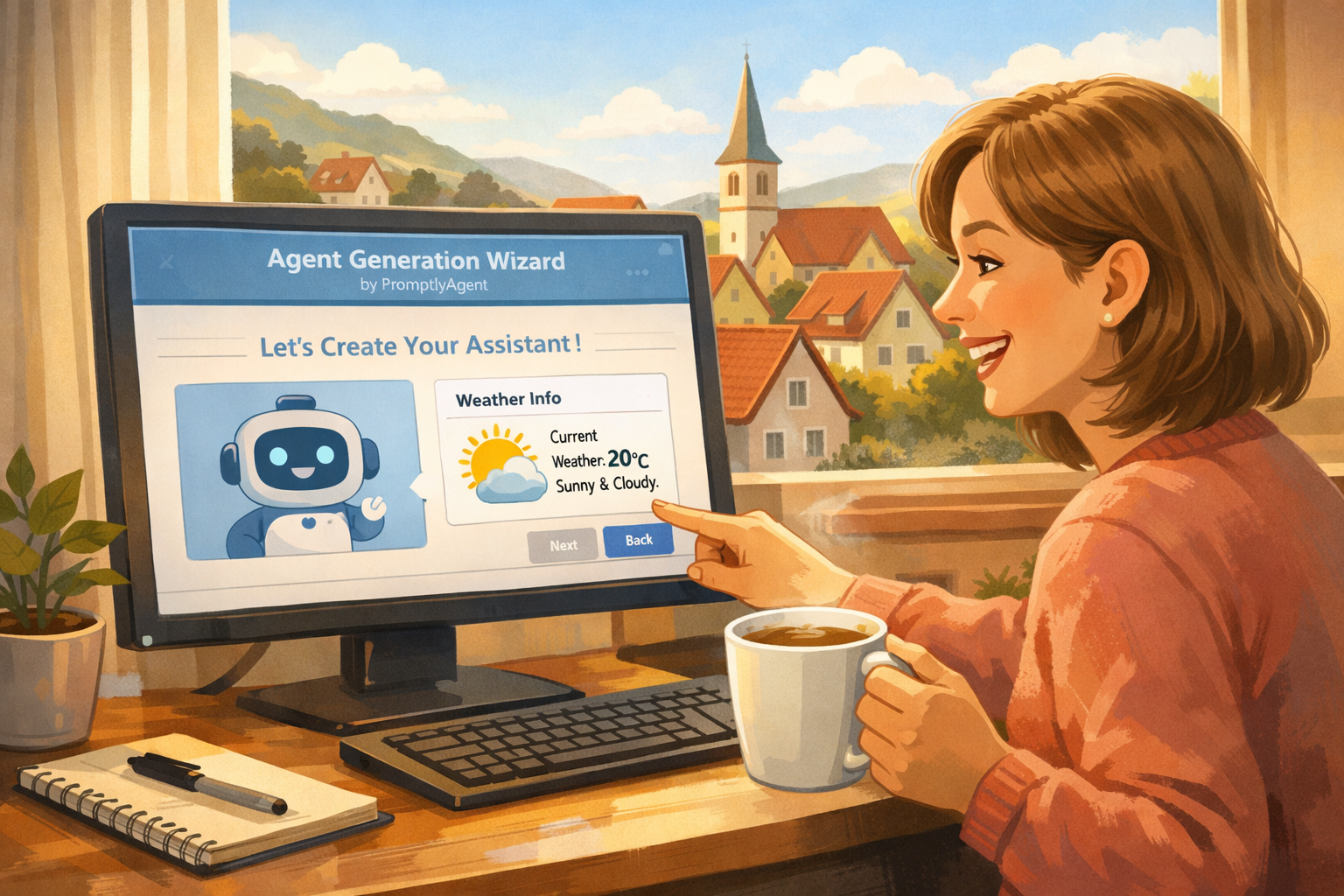
Believe it or not, you don’t have to be a tech wizard to create your own digital helper these days. With PromptlyAgent, absolutely anyone can build a personal agent tailored to their needs. Whether you’re just getting started or already a little tech-curious, you can make something useful with just a few clicks. For example, how about a weather agent that greets you with a local forecast as you sip your morning coffee and scan the news?
Here’s a walkthrough of how I built a “Weather Forecast Agent” for the small village I live in Germany, in just a few minutes—and how you can easily do the same!
Step 1: Open the Agent Generation Wizard
I started by launching PromptlyAgent and clicking into the “Agent Generation Wizard.” This feature is like having a friendly guide taking you by the hand, helping translate your ideas into an agent that actually works for you. No special skills needed—just a bit of curiosity!

Step 2: Describe What You Want In Your Own Words
You don’t need to know any fancy technical terms. I simply typed, “I want to create a weather forecast agent for my location using this api https://open-meteo.com/en/docs”

That’s it! Writing down what you want is really all it takes to get started—PromptlyAgent does the rest.
Step 3: Answer a Couple of Friendly Questions
The wizard asks you a few easy questions to get your agent just right. Want daily or hourly weather? Always your town, or something flexible? Should the output look plain, or do you want a fancy chart? For me, a quick summary was perfect—so I answered just as simply as I’d explain it to a friend.
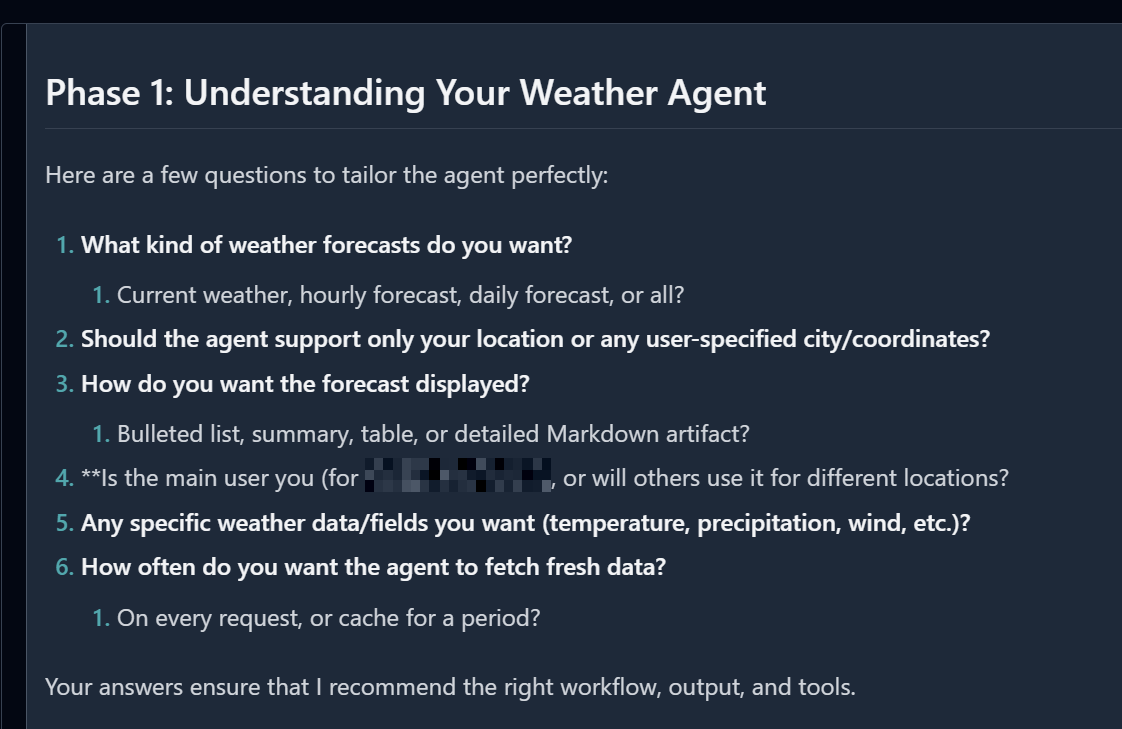
You’ll notice there’s never any pressure. The system gently helps make sure your results are tailored for you, and you can always tweak things later if you change your mind.
Step 4: Name and Save Your Creation
After just a few screens, the fun part comes - naming your new agent and adding it to your list. I called mine “Weather Forecast Agent (xxx)” so I’d always know what it does.
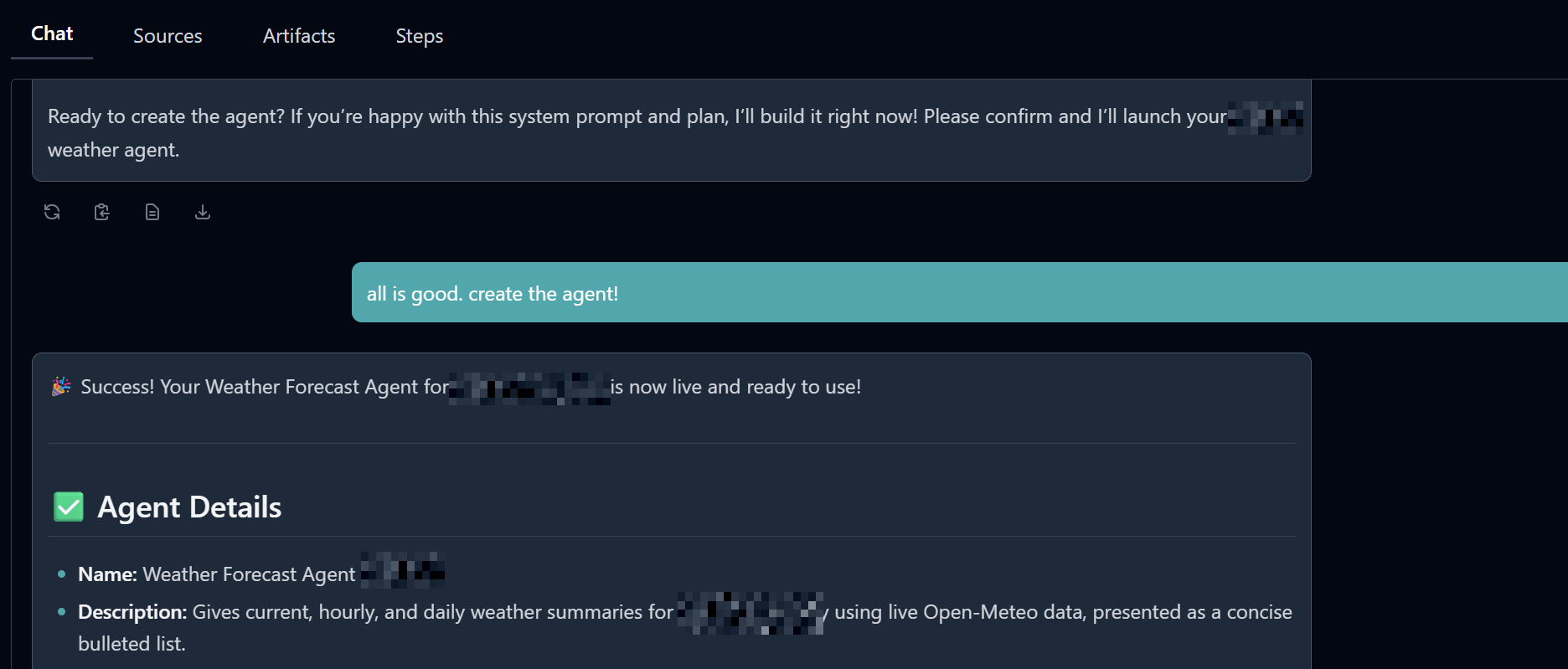
Having your own agent sitting there, ready to serve, feels oddly empowering!
Step 5: Start Using Your Weather Agent Instantly
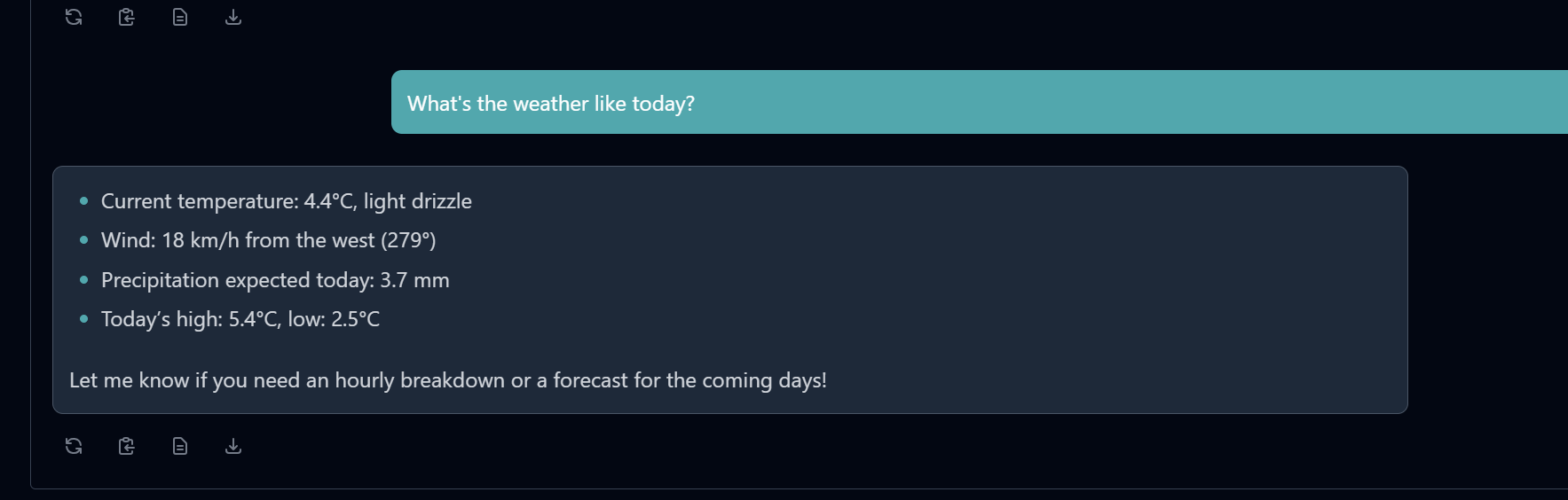
Best of all, my agent was ready before I’d even finished my coffee. Now, all I do is open my chat and type: “What’s the weather like today?” And out comes a clear, local summary—temperature, wind, today’s highs and lows, whether I’ll need an umbrella or sunglasses—right when I want it!
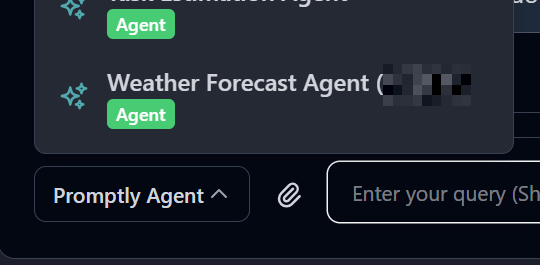
No apps, no digging through multiple sites, no fuss. It’s just quietly there with what I need for the day, freeing me up for the things I actually enjoy in the morning.
Step 6: That “I Really Built This” Moment
There’s a special little thrill in seeing your own creation saved and living on your agents' list. I didn’t need to write a single line of code. I didn’t have to google error messages or search YouTube tutorials. With PromptlyAgent, it felt more like telling a helpful assistant what I needed, and watching it go to work.
What Comes Next? And Why You’ll Love It
The best part is how adaptable everything is. Going on a trip? You can tweak the agent for a new city. Want to check more detailed forecasts? Adjust with a click! And if the weather isn’t your thing, you can build agents for tracking news headlines, traffic, inspiring quotes, productivity, and so much more.
PromptlyAgent lets everyone—yes, even total beginners—be creative and solve their own little daily problems.
The Bottom Line is, If you can describe what you need, PromptlyAgent will help you build it. Next time you’re having your coffee, why not spend five minutes making your daily routine a whole lot smarter?
And remember, there’s always a welcoming community ready to support you—because building your own agent is really something everyone can do.
Ready to give it a try? If I can do it, so can you!